
Zoccer Casino Login
Already have an account? Log in quickly with your email and password to access your CAD funds instantly.
Games at Zoccer Casino

Full Game Catalog


Accessing your Zoccer Casino account is quick and straightforward. After entering your e-mail and password and confirming via e-mail, your CAD funds are available. Should any issues arise, solutions for passwords, account locks, KYC checks and mobile login are provided.
How to Log In: Step-by-Step
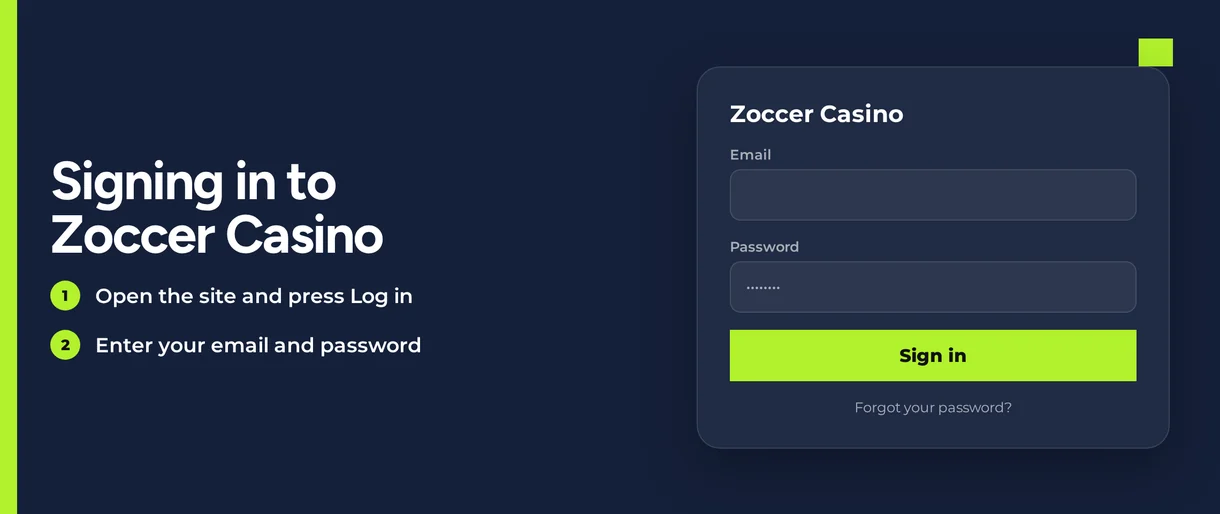
Zoccer Casino secures login with your password and an e-mail verification step. Use this process whenever you return:
Visit the Zoccer Casino website in your web browser.
Select the Log In option.
Type in the e-mail address you registered with.
Type your password.
Verify your identity via the confirmation e-mail sent to your inbox.
Your account operates solely in CAD. All balances, deposits and limits display as C$.
Login Problems and Fixes
Most sign-in failures trace back to a handful of causes, and each one has a short fix. Start with the row that matches your error message.
| Problem | Likely Cause | Quick Fix |
|---|---|---|
| Wrong password message | Typo, caps lock or an old password | Reset your password using the forgot password link |
| E-mail confirmation does not arrive | Message sits in spam or the address was mistyped | Check spam and promotions folders, then repeat the login |
| Login page freezes or loops | Old cookies or cached files | Clear cookies and cache, then restart the browser |
| Account locked | Account placed on hold | Contact live chat or email support |
| Verification pending | KYC documents incomplete | Submit your photo ID and proof of payment-method ownership |
| Self-exclusion active | Self-exclusion requested by e-mail | Sign-in stays closed while the exclusion is active |
If the page freezes or loops, clearing your browser's stored data often helps. Follow these steps:
- Navigate to your browser's settings and find the Privacy or Clear data section.
- Choose to delete cookies and cached files.
- Clear the data, then close all Zoccer Casino browser tabs.
- Relaunch your browser and go to Zoccer Casino.
- Sign in and finish the e-mail verification.
Opening the site in a private browsing window bypasses saved cookies. This is a fast way to test if the problem persists.
How to Reset Your Password
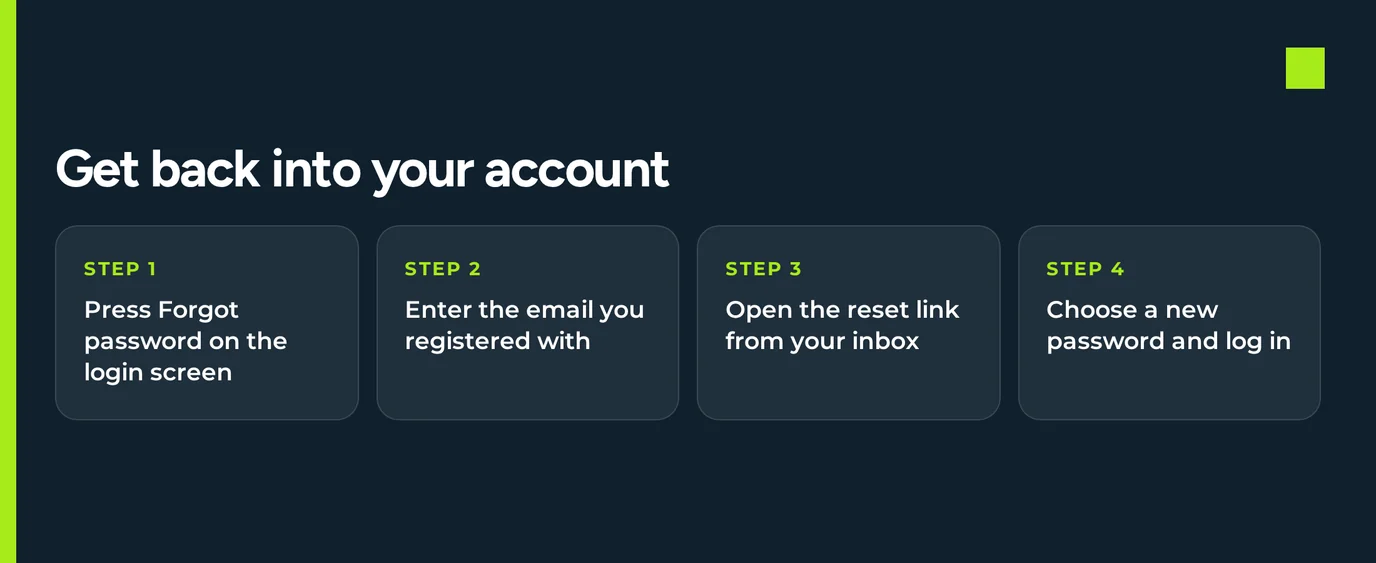
You manage each stage of a password reset, which only takes minutes. Enter the e-mail tied to your account:
- On the login screen, click the 'forgot password' link.
- Provide the e-mail address for your account.
- Check your inbox for the reset message. Look in your spam folder if you don't see it.
- Click the link inside that email. Then enter a new password.
- Log in using this new password. You'll also need to confirm your email.
Select a strong password to keep your account safe:
- Pick a password unique to this site.
- Combine capital letters, lowercase letters, numbers, and symbols.
- Do not use birthdays, names, or everyday words.
- Keep your password secret. Never share it, even with support.
No reset message? The e-mail you entered might not match your account. Get help from live chat support.
Account Locked or Suspended
Accounts get locked or suspended for specific reasons. The reason determines who fixes it and when access is restored.
| Situation | Who Acts | When Access Returns |
|---|---|---|
| Locked account | You contact support | After support completes the account review |
| KYC pending | You submit the documents | After verification is complete |
| Self-exclusion | You requested it by e-mail | Sign-in stays closed while the exclusion is active |
Two suspension types stem from your actions: missing KYC papers or a self-exclusion request. To regain access, do this:
- Open live chat on the site, available 24/7.
- Provide the email for your account. Explain what appears on your screen.
- Support will check your account. They'll tell you what needs to be done.
- Finish that required action. This could mean uploading documents.
- Sign in once more. Complete the email verification step.
Self-exclusion begins with an email request. After that, you cannot log in. If gambling affects your money or personal life, call ConnexOntario at 1-866-531-2600 to speak with an advisor.
KYC Verification
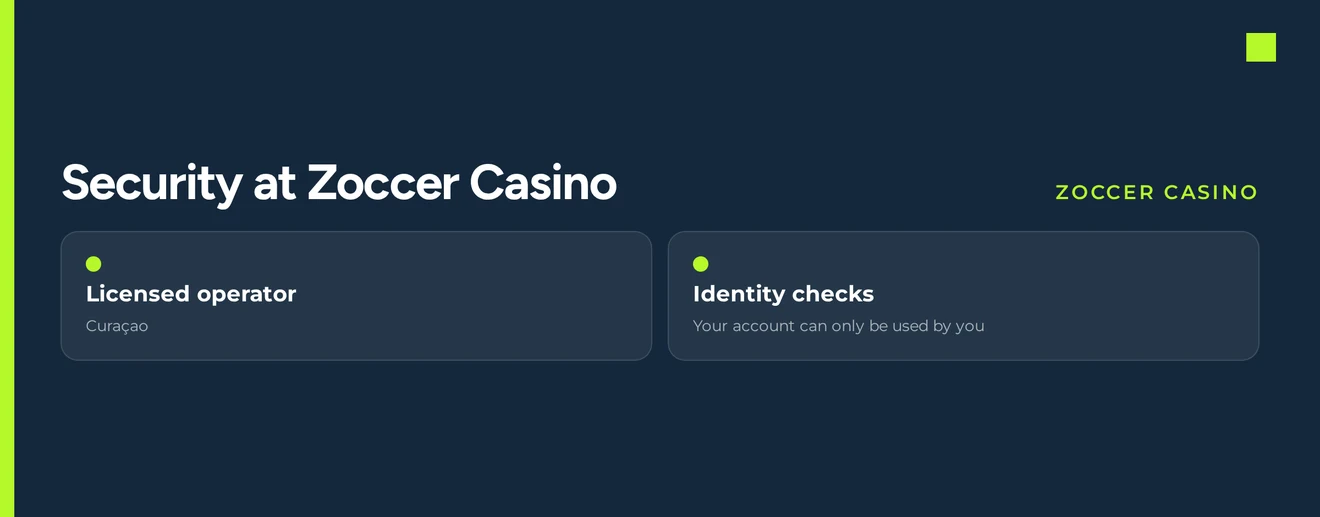
Zoccer Casino requires a government-issued photo ID and proof you own your payment method. Your account may be limited until these checks finish. A pending KYC review can block your login.
Required documents:
- You need an official ID with your photo and full name.
- You must prove the payment card or wallet you use is yours.
Follow these steps to resolve a KYC lockout:
- Take clear, full-page photos or scans of every required document.
- Send each document when Zoccer Casino asks for it.
- Confirm the details match your registered account.
- Allow time for the verification team to finish their check.
- Log in again after the verification is done.
You send the documents. The Zoccer Casino verification team reviews them. You can only access your account after their review finishes.
Logging In via Mobile Browser
The Zoccer Casino mobile browser site works on any device. It adjusts for phones and tablets. The login, your balance and the cashier look identical to the desktop version. Your account and your C$ balance are synced across all your devices.
- Launch the browser on your phone.
- Visit the Zoccer Casino website.
- Select Log In. Enter your email address and password.
- Open your email app and confirm your login via the email link.
- Go back to the browser tab to begin playing.
If the mobile page freezes, clear cookies and cached data in your browser settings, as described earlier. Then restart the browser and try loading the site again.
Contact Support
Contact support for locked accounts, KYC issues, or self-exclusion. For login problems, use live chat for a quicker response.
| Channel | Contact | Availability |
|---|---|---|
| Live chat | Opens on the Zoccer Casino site | 24/7 |
You can get support in English, German, Spanish, Finnish, French, Hungarian, Norwegian, Polish, Portuguese, Italian, Czech, and Arabic. When you first contact us, please include:
- The email linked to your account.
- The full error message displayed.
- Your device model and web browser.
- A screen image showing the issue.
FAQ
Zoccer Casino is for players 19 and over. Keep gambling as entertainment. Set deposit limits that suit your finances and stop if you're no longer enjoying it.